Using Visual Schedules to Support Student Independence and Staffing Efficiency
Visual schedules are a proven, reliable way to help students and staff manage daily routines and transitions. In ABA, these schedules give students a clear picture of what to expect, which helps reduce anxiety and keep things running smoothly. When used well, visual schedules can reduce downtime and help prevent challenging behaviors.
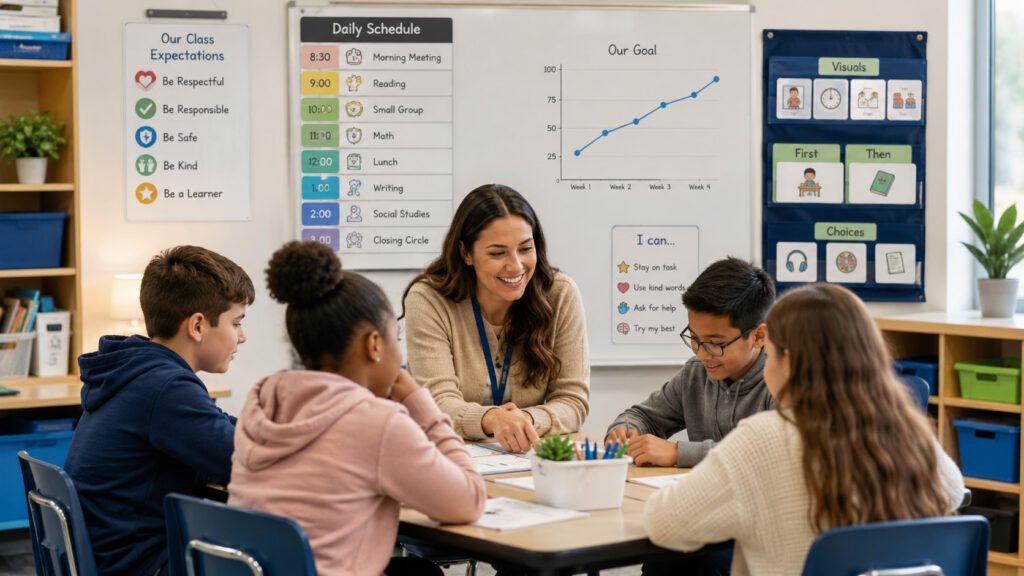
When visual schedules are used across a school or district, they help students become more independent and create a predictable, universally supportive environment for all students.
Matching Formats with Student Present Levels
To make visual schedules work for everyone, match each schedule to the students’ current skills and needs.
- Object Schedules: Great for early learners or students who need extra support. Real objects, like a spoon and napkin for lunchtime, help students know what’s coming next.
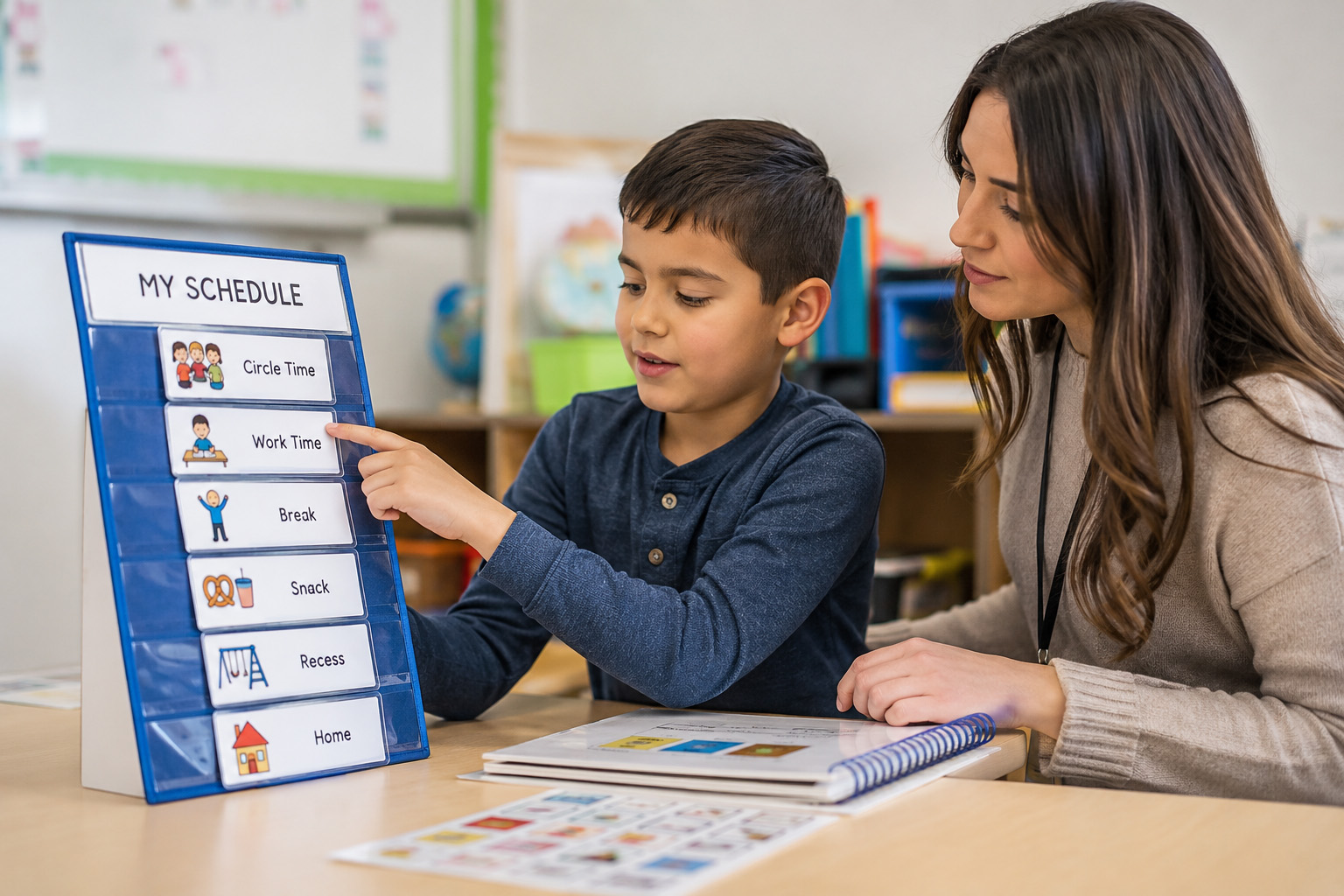
- Icon or Photograph Schedules: For students who can recognize pictures or symbols, can be set up on a Velcro strip or board.
- Written Checklists: For students who can read, a simple checklist can be mounted on a clipboard, in a binder, or tablet.
4 Administrative Pillars for Effective Implementation
Visual schedules are successful especially using the following strategies:
- Keep the Schedule Accurate: Only put activities on a student’s schedule if you know they will happen. If the schedule changes, students can lose trust and may have more trouble with transitions.
- Use a Consistent Prompt: Instead of repeating reminders, pick one way to prompt students to check their schedule, like a gentle tap on the desk or saying, “check schedule.”
- Leverage First/Then Behavioral Contingencies: Design schedules with Motivation in Mind. Pair less-preferred tasks with something the student enjoys. This helps keep students motivated throughout the day. Remember to deliver immediate, specific reinforcement when a student checks their schedule and transitions to a new area without behavioral escalation.
Fading Staff Prompts Toward True Independence
The goal is for students to use their schedules independently.
- Step 1: Start by helping the student use the schedule, then just pointing at the board from a short distance.
- Step 2: Refrain from saying “check schedule” and let natural cues, like a bell or finishing a worksheet, remind the student to look at their schedule.
- Step 3: Move further away during transitions so the student can manage on their own while you keep an eye on them from a distance.
Systemic Scaling: Moving to Socially Valid Formats
Once students can transition on their own, it’s time to start using smaller, less noticeable schedules. This helps students fit in with their peers and build independence.
You can move from wall boards to binder schedules, then to pocket checklists, and finally to digital tools like Google Calendar or tablet reminders. This way, students have a tool they can use anywhere and into adulthood.
Training Support Staff
Training support staff like paraprofessionals, BTs, and RBTs to use and fade these schedules correctly is key to making this work across your district. Using Behavioral Skills Training (BST) can help everyone get on the same page.
- Instructions: Give staff a clear checklist that explains how and when to use the schedule. Make sure everyone knows the schedule is meant to replace verbal reminders.
- Modeling: Have a BCBA or lead teacher show how to use the schedule, including how to handle it if a student resists or has a tough moment.
- Rehearsal: Let staff practice with a peer or supervisor before working with students. Run through a typical day so they can get comfortable with the process.
- Feedback: Watch staff in action and give quick, supportive feedback. Point out what went well and offer tips for anything that needs improvement.
When staff are confident in using and fading visual schedules, students need less one-on-one support and become more independent. This helps your team use resources wisely and gives students more autonomy.
A Visual Schedule Classroom Checklist
This checklist may be used in observations while supporting staff learning to implement visual schedules and for staff to self-measure their success.
- The visual schedule is near the student and easily visible
- The schedule matches the student’s present skill level (object, icon, photo, or written checklist).
- Consistent prompts to encourage schedule use.
- Activities listed on the schedule are accurate and updated
- Fading prompts as appropriate to promote independence.
- Immediate, specific reinforcement for independent schedule use and smooth transitions.
- Avoid excessive verbal reminders, relying on the schedule instead.
- Schedule format is age- and socially appropriate for the student.
- Appropriate response to resistance or challenging behavior.
- Student transitions occur with minimal downtime or problem behavior.
Implementing visual schedules consistently across classrooms and throughout the school will allow students to move toward independence at school and beyond. Applied ABC can help your school and district implement a plan using universal visual support. Remember: when staff are using and fade visual schedules, students need less one-on-one support and become more independent. This helps your team use resources wisely and gives students more autonomy.